Automations

Twelve routines for the hunt day.

Each one is a trigger and its steps, ready to build in the Shortcuts app. They put Antlr’s actions together with Apple’s Weather, Maps, Home, Messages and Clock, and a few other apps.

Into the stand
WhenWhen the NFC tag on the ladder is tapped
  1. AntlrStart a SitBig Oak
  2. FocusTurn on Hunting
  3. SettingsBrightness 5%, volume off, Low Power Mode on
  4. LocationGet a map link to where you are
  5. MessagesSend to your spouse: “In Big Oak, out after dark”With the map link

The night before

The plan, the stand and the forecast, all before you set the alarm.

WhenAt 8:30 PM on hunt nights
  1. AntlrWhich StandTomorrow morning
  2. AntlrMy Hunt PlanTomorrow
  3. WeatherGet tomorrow’s forecast
  4. ShortcutsSpeak “Low of 28, wind 6”From the forecast
  5. ClockTurn on the “Hunt” alarm
  6. FocusTurn on Sleep

Wake up at camp

Coffee and lights on, and the wind at your stand before your boots are.

WhenWhen the “Hunt” alarm is stopped
  1. HomeTurn on the coffee maker and the cabin lights
  2. AntlrDaylight LeftWhen daylight for shooting starts
  3. AntlrWind at a StandBig Oak

Drive in

The wind through the car’s speakers, and camp knows you’re on the way.

WhenWhen CarPlay connects before 6 AM
  1. AntlrWind at a StandBig Oak
  2. MapsGet the travel time to the parking spot
  3. WhatsAppSend to camp: “Leaving now, parked in 20 min”With the travel time
  4. MusicPlay something quiet

Into the stand

One tap on the ladder starts the sit, quiets the phone and tells home where you are.

WhenWhen the NFC tag on the ladder is tapped
  1. AntlrStart a SitBig Oak
  2. FocusTurn on Hunting
  3. SettingsBrightness 5%, volume off, Low Power Mode on
  4. LocationGet a map link to where you are
  5. MessagesSend to your spouse: “In Big Oak, out after dark”With the map link

Quiet logger

Log what walked out without lowering the binoculars or making a sound.

Download the shortcut
WhenWhen you press the Action button
  1. ShortcutsChoose: Doe, Buck, Group or Nothing
  2. AntlrLog a SightingWhat you chose
  3. ShortcutsVibrate
  4. CameraIf it’s a buck, open the camera

Silent hold

Your hold at the distance you just ranged, without saying it out loud.

Download the shortcut
WhenWhen you press the Action button
  1. ShortcutsAsk for a number: “Yards?”
  2. AntlrHold at RangeYour rifle, at that distance

Low battery in the stand

Stretch what’s left to the end of shooting daylight.

WhenWhen the battery drops below 25%
  1. SettingsLow Power Mode on, lowest brightness
  2. AntlrDaylight LeftHow long it has to last

Buck down

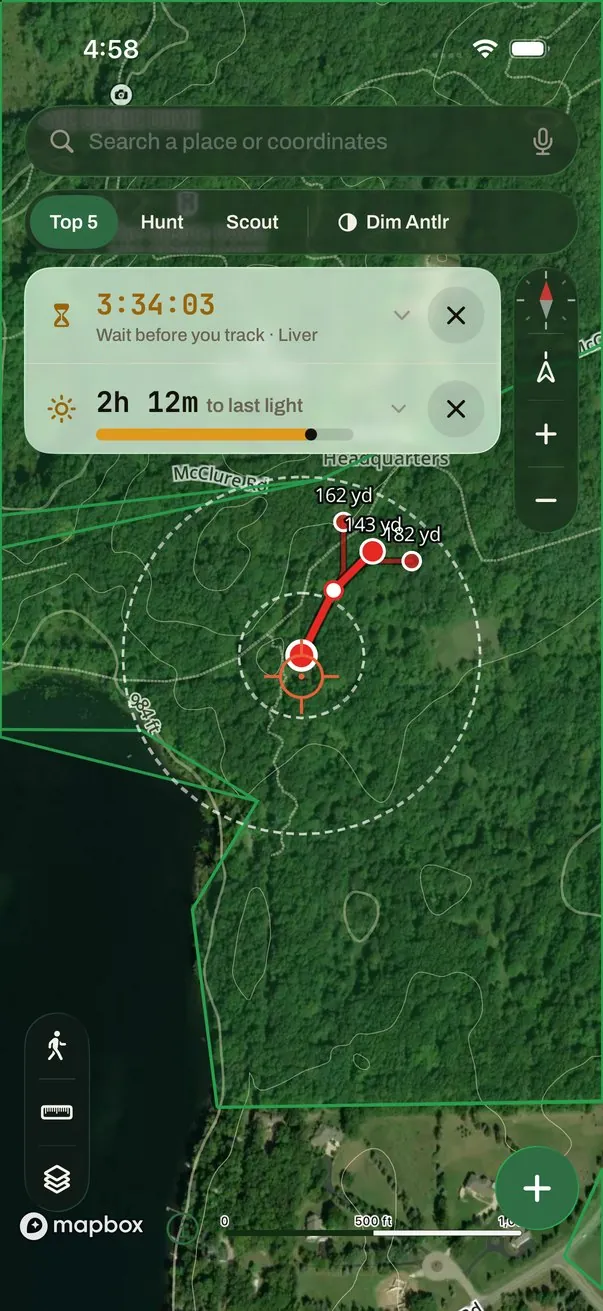
Camp gets a pin to walk to, and Antlr opens to start the blood trail.

WhenWhen you tap its Home Screen icon
  1. LocationGet a map link to where you are
  2. WhatsAppSend to camp: “Buck down at Big Oak. Need help dragging.”With the map link
  3. ShortcutsOpen AntlrStart the blood trail
  4. Day OneNew entry at this spot

Walking out

The sit ends, home knows, and camp is warm when you get there.

WhenWhen your Hunting Focus turns off
  1. AntlrEnd My SitHow long you sat, and what you logged
  2. MessagesSend “Out of the woods”
  3. HomePorch light and heater on
  4. Your truck’s appStart the climateIf it has a Shortcuts action
  5. SettingsLow Power Mode off
  6. ShortcutsAsk: “Anything to remember?”
  7. Day OneNew entry with your note, the weather and where you are

Arrive at camp

Camp warms up, and you know where to sit tonight.

WhenWhen you arrive at camp
  1. HomeRun your “At camp” scene
  2. AntlrWhich StandThis evening
  3. WhatsAppSend to camp: “Made it to camp”

Friday gear check

Lent-out gear back, and anything past its date caught, before Saturday.

WhenEvery Friday at 6 PM
  1. AntlrAsk My ArmoryWho has my gear
  2. AntlrAsk My ArmoryWhat needs replacing
  3. WeatherGet the weekend forecast
  4. RemindersShow what’s left on “Hunt prep”

Range day check

Your hold at each distance, one after another, to check against the target.

WhenWhen you run it at the range
  1. ShortcutsA list: 100, 200, 300
  2. ShortcutsFor each distance
  3. AntlrHold at RangeYour rifle, at that distance
  4. StreaksMark “Shooting practice” done
Good to know

Building these.

Make a routine in the Shortcuts app under Automation, pick its trigger, then add the steps. Antlr’s actions are under Apps, Antlr. For ideas you run by hand, see the shortcut ideas.

  • Antlr says its answer; it doesn’t pass it on. Its actions speak and show what they found, but the next step can’t use it. That’s why these texts carry your words, the travel time or a map link, never Antlr’s wind.
  • Some answers need your phone unlocked. My Hunt Plan, My Sits, Hold at Range and Ask My Armory stop and ask for Face ID on a locked phone. The truck and stand routines stick to actions that work locked, except the silent hold, which needs a glance for Face ID.
  • Let them run on their own. On iOS 17 and later, choose Run Immediately and turn off Notify When Run.
  • Hardware for some triggers. NFC tags work with iPhone XS and later. The Action button is on iPhone 15 Pro and later; on other iPhones, use Back Tap or a Home Screen icon. Home steps need accessories that work with the Home app.
  • Other apps bring their own actions. WhatsApp, Day One and Streaks show up under Apps in the Shortcuts editor once they’re installed. Check your truck’s app for one.

Apple, iPhone, CarPlay and Siri are trademarks of Apple Inc., registered in the U.S. and other countries. WhatsApp, Day One and Streaks are trademarks of their owners. Antlr isn’t made, endorsed or sponsored by any of them.

The Antlr app icon

Build your hunt day.

Join the beta For iPhone, through TestFlight. Scan with your camera.
[Free scans and trial terms]
Just that one email. We never sell or share addresses.